TABLE OF CONTENTS
- What details can I add
- How to add details for each child
- How to consult the child's details
- How to print a child’s details sheet
What details can I add
For each child you can add the following data:
- Full name
- Date of birth
- Photo
- Admission date
- Authorization for photo registration (yes/no)
- out-of-school trips authorisation (yes/no)
- External identifier (registration number in the institution or for integration with other platforms)
- Citizen card number
- Social Security number
- Health user number.
- Address
- Allergies
- Food Restrictions
- SOS Medication
- Notes
This data will be included in the Attendence Report. To find out how to consult the Attendence Report see this article.
How to add details for each child
- Log in to your Group
- Select the "People" option
- Click on "Consult" on the card of the child you want to add data to
- Select the "Edit" option
- Use the various fields available to add the desired data

How to consult the child's details
- Open the page of the Group the child belongs to
- Navigate to the "People" tab
- Choose the "consult" option of the corresponding child
- Click on the button "more details".

How to print a child’s details sheet
You can print a child’s details sheet once you have completed it, to add to the child’s physical file if required. Follow the steps below:
Step 1 – Log in to your Group
Step 2 – Select the ‘People’ option
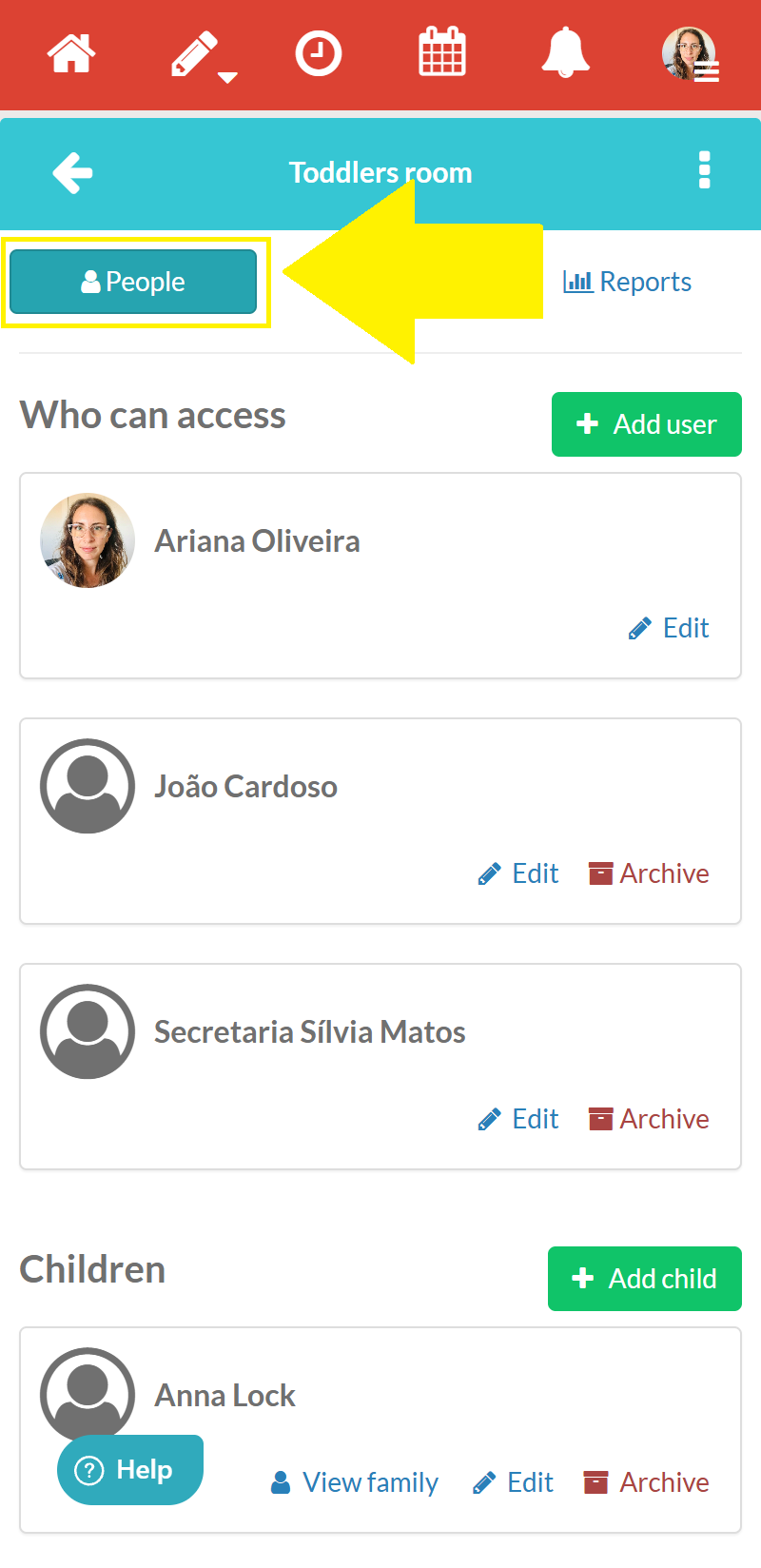
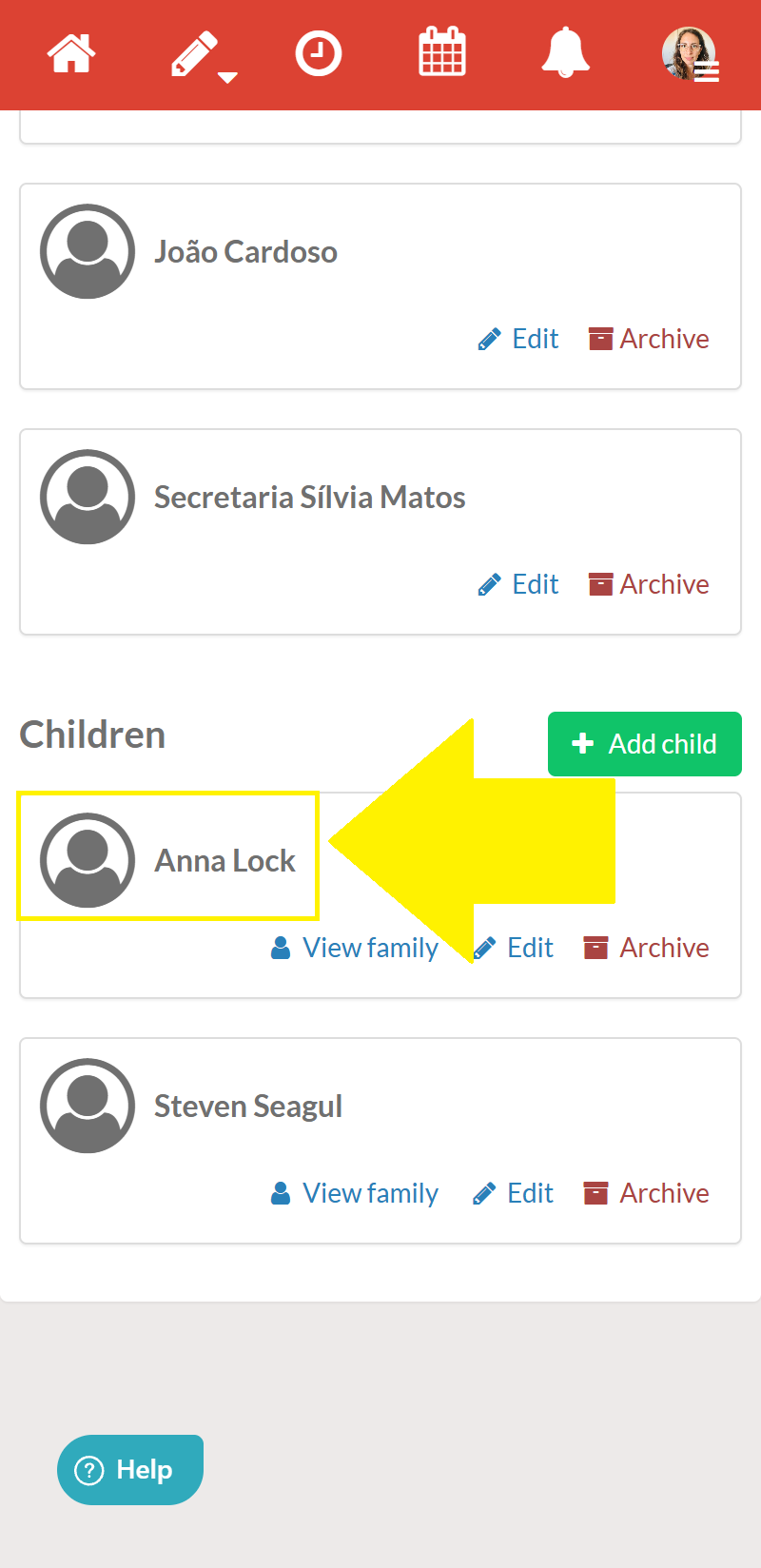
Step 3 – Click on the name of the child you wish to view
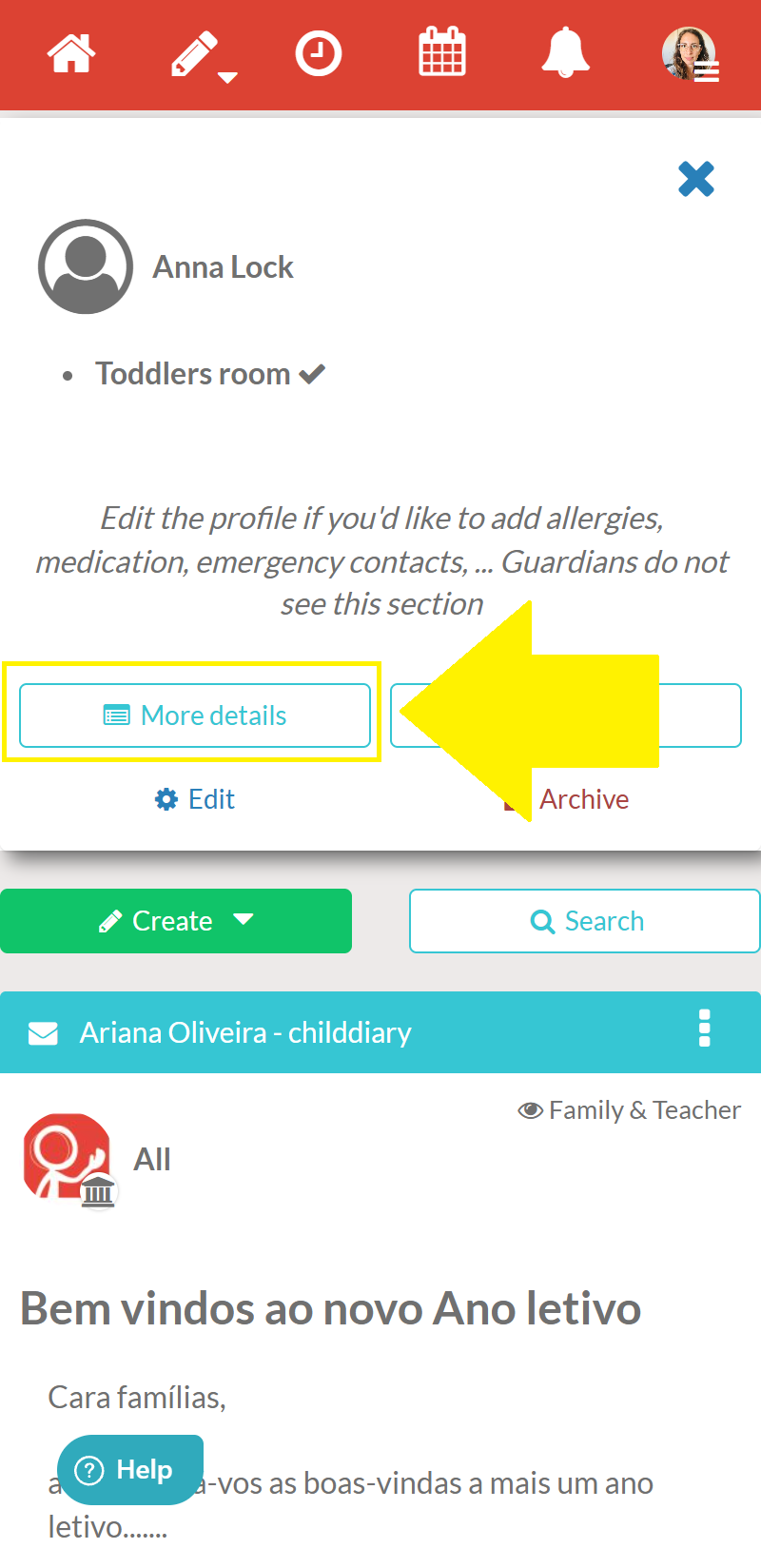
Step 4 – Next, select the ‘View Details’ option
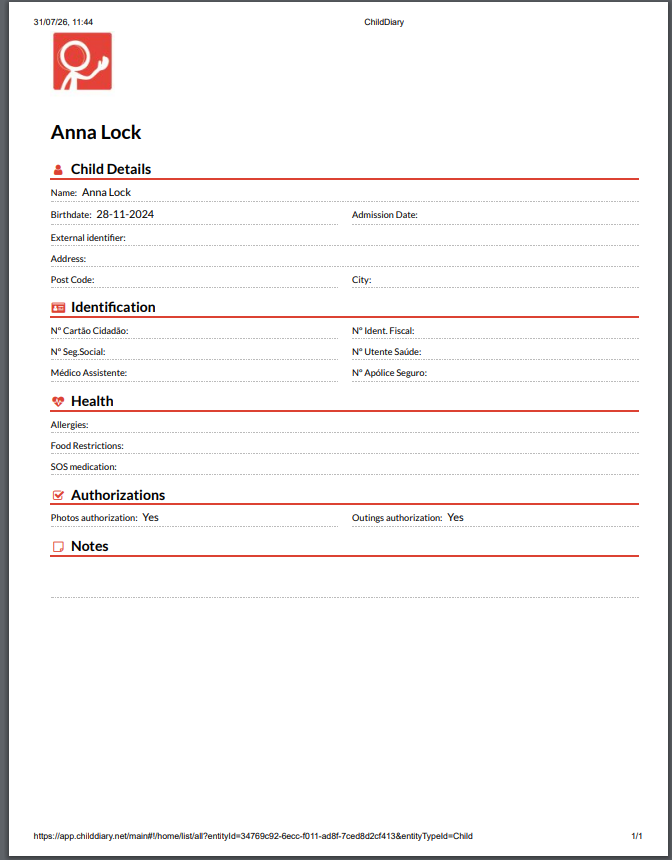
Step 5 – A form will appear with all the information already filled in. At the bottom of this page, select the print icon
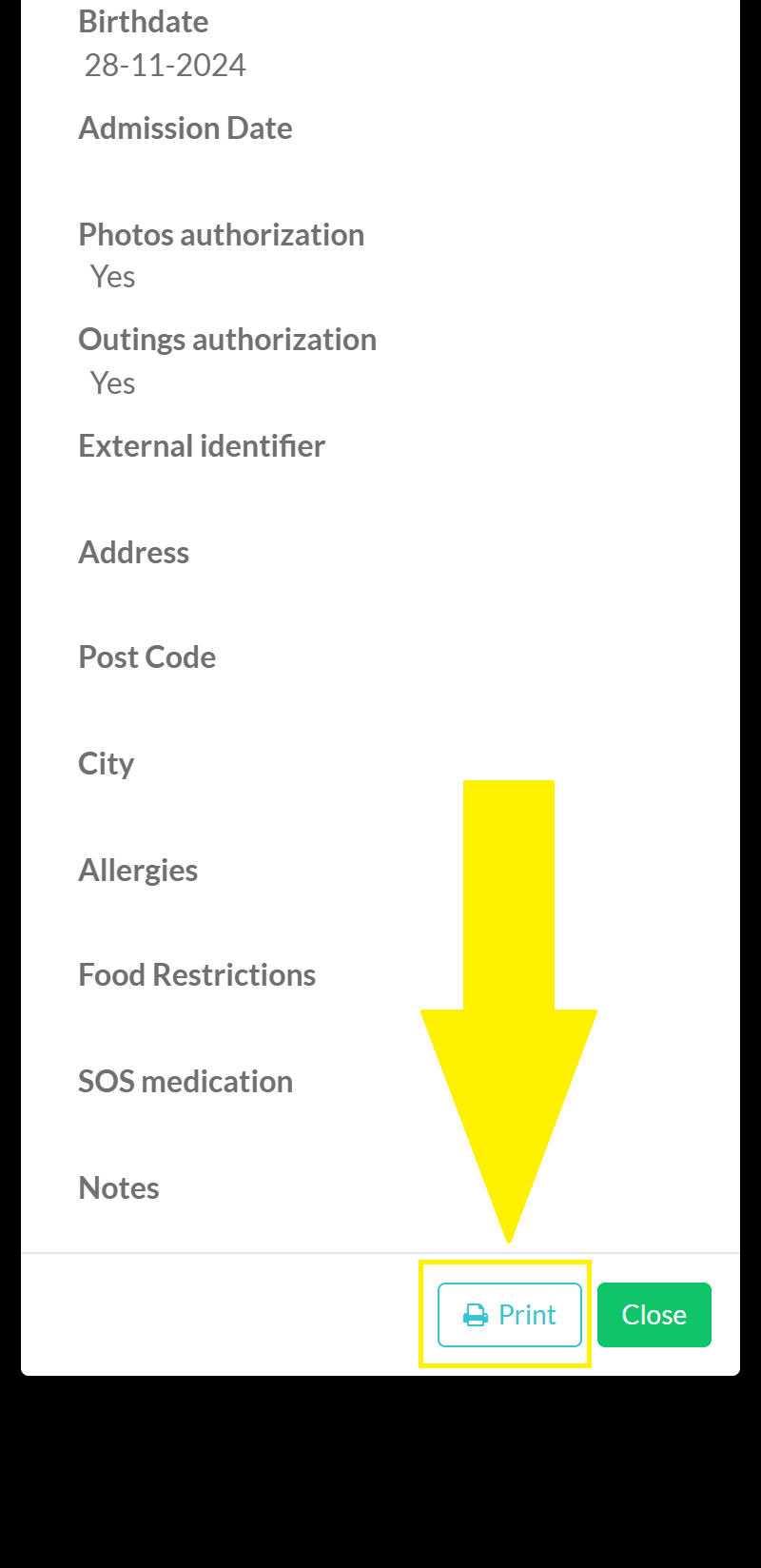
The printout will be in your device’s downloads folder and ready to print!